Agent Skills: How to Package Reusable Capabilities Without Overloading Context
October 14, 2026
How the ReAct Loop Works: Reason Act Observe and Recover
October 14, 2026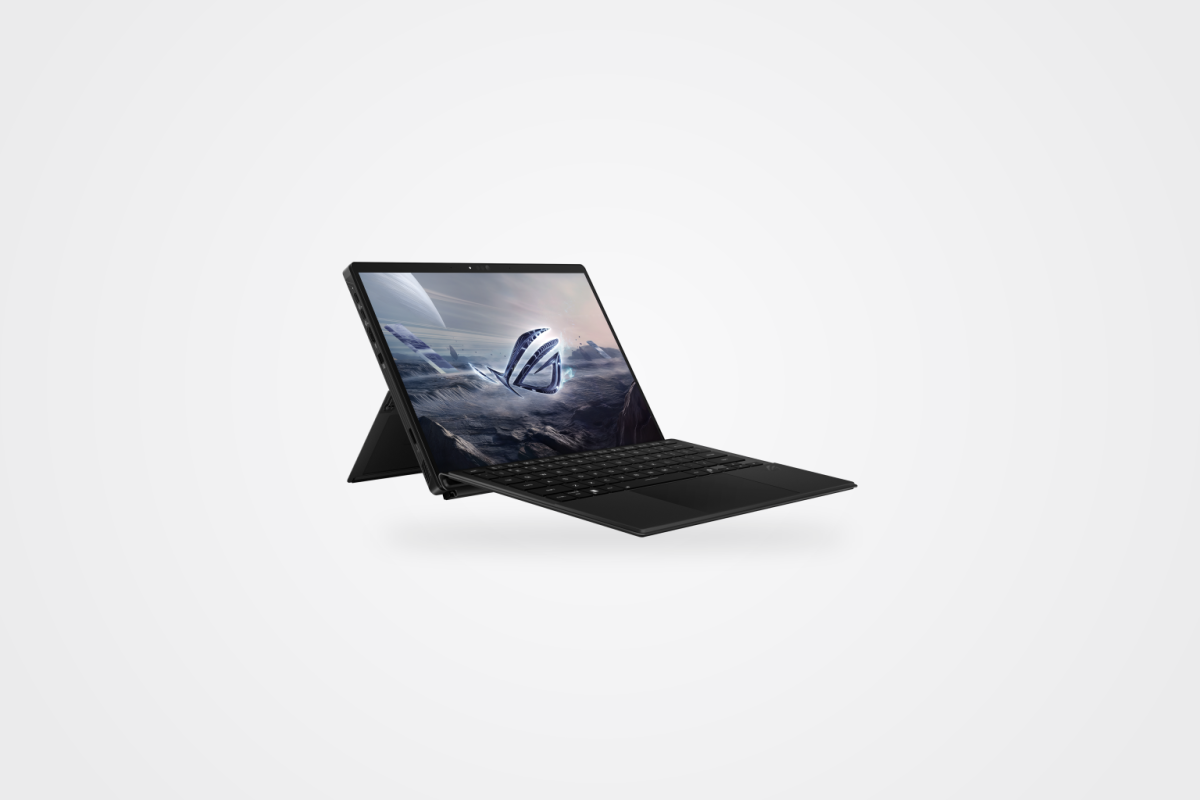
Editorial date: October 2, 2026. Manufacturer information checked on October 10, 2026.
The ASUS ROG Flow Z13 is usually discussed as a gaming tablet. For local AI, its more interesting feature is memory: a compact Windows machine whose CPU and GPU can share a large pool instead of being treated as two independent memory budgets.
That makes the 128GB configuration worth examining. It does not make it a proven substitute for every workstation, or establish that a particular model will run quickly. Capacity, software support and sustained performance are separate questions.
Why the shared-memory design matters
In its January 7, 2025 announcement, ASUS described the redesigned Flow Z13 with an AMD Ryzen AI Max+ 395 processor and up to 128GB of shared LPDDR5X memory. The announcement places this design well before the date assigned to this article; it is not a newly discovered October launch.
For a local-AI buyer, the practical implication is a different capacity question. Instead of looking only at a discrete GPU’s memory, examine what the runtime can use from the shared pool while Windows and other applications are running. Do not assume that a 128GB label means 128GB is freely available to model weights.
Our memory-capacity and bandwidth explainer separates fitting a model from processing its responses efficiently. The distinction matters particularly when a large model, long context and other applications compete for memory.
Configuration check — updated October 10, 2026
The U.S. Flow Z13 specification page lists GZ302EA-XS99 among the model codes and includes 128GB onboard LPDDR5X memory configurations, Radeon 8060S graphics and a 13.4-inch 2560×1600 touchscreen at 180Hz. It also includes smaller memory capacities, so check the complete regional model code rather than ordering by the Flow Z13 name alone. Onboard memory should not be treated as an ordinary replaceable RAM module.
These are October 10 checks of mutable manufacturer information, not a claim that we verified the exact retail configuration on October 2. Current price, physical stock, shipping date and availability outside the United States have not been established here.
Choose the runtime before making a performance claim
An AMD-based configuration is not the same software proposition as an NVIDIA-based one. Before buying, verify the exact application, acceleration backend, operating-system version and driver combination you intend to use. Do not transfer another machine’s CUDA result to this device or assume an NPU specification describes LLM generation speed.
Useful tests would include a fixed summarization task, a coding-assistant workload and retrieval over a small document collection. Use the same model, quantization and context settings on comparison machines. Record time to first response and sustained output speed—not just whether the model loads.
Those are proposed evaluations. We have not run them on this Flow Z13. We also have not measured inference on battery, fan noise, temperature or sustained power consumption.
A portable work machine, not an automatic mini-server replacement
The tablet-and-keyboard format makes this a different proposition from a dedicated local-AI workstation. Decide whether mobility or continuous availability is the more important requirement. Memory capacity alone does not answer that question.
Local processing also does not guarantee that an application stays offline. Check model downloads, accounts, telemetry, external tools and fallback requests before describing a workflow as private. Our NPU, GPU and cloud guide gives that decision a wider context.
The ROG Flow Z13 128GB deserves consideration as a compact local-AI candidate, not an unsupported “best laptop” verdict. A matching regional configuration and a reproducible workload test remain the useful next steps.
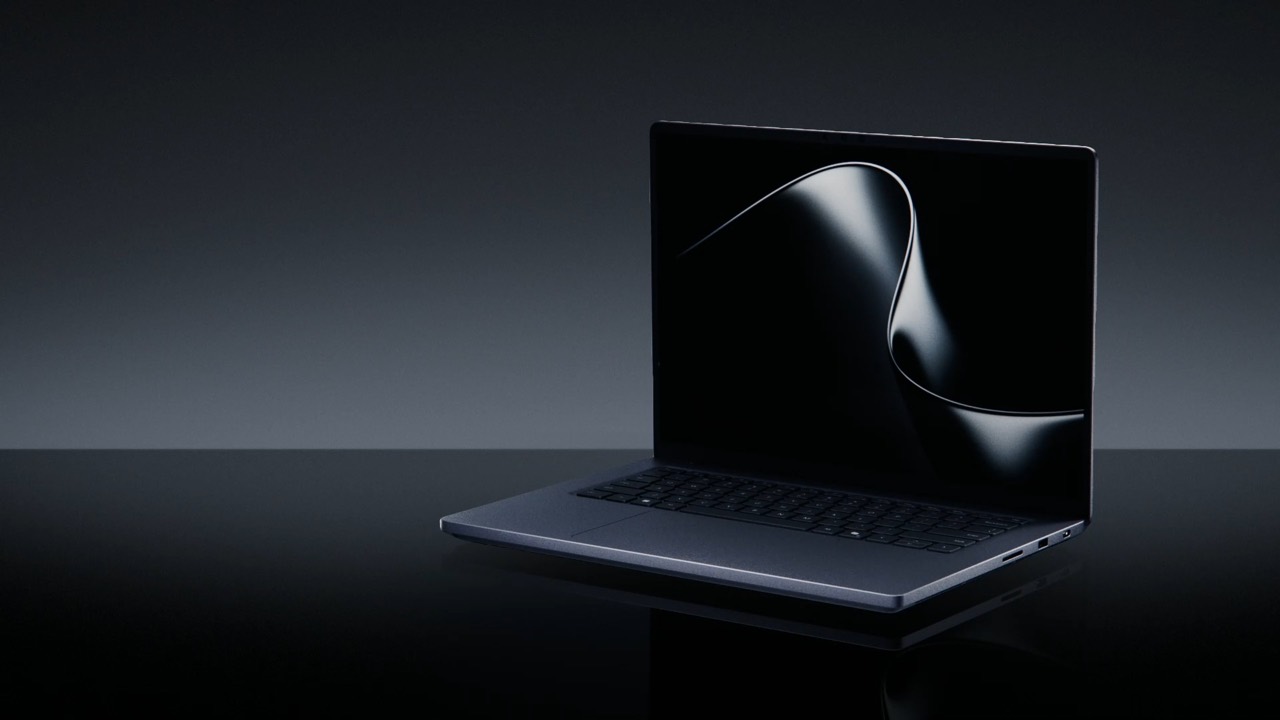
Disclosure: This is a source-based analysis, not a hands-on review. Manufacturer specifications and the configuration update were checked on October 10, 2026. The product images were supplied by the site owner with permission for use; images do not independently prove installed memory or a retail SKU.